> ## Documentation Index
> Fetch the complete documentation index at: https://docs.vaanivoice.ai/llms.txt
> Use this file to discover all available pages before exploring further.
# Configure Experience
> Fine-tune ambient sound, interruption sensitivity, conversational pacing, and latency optimization
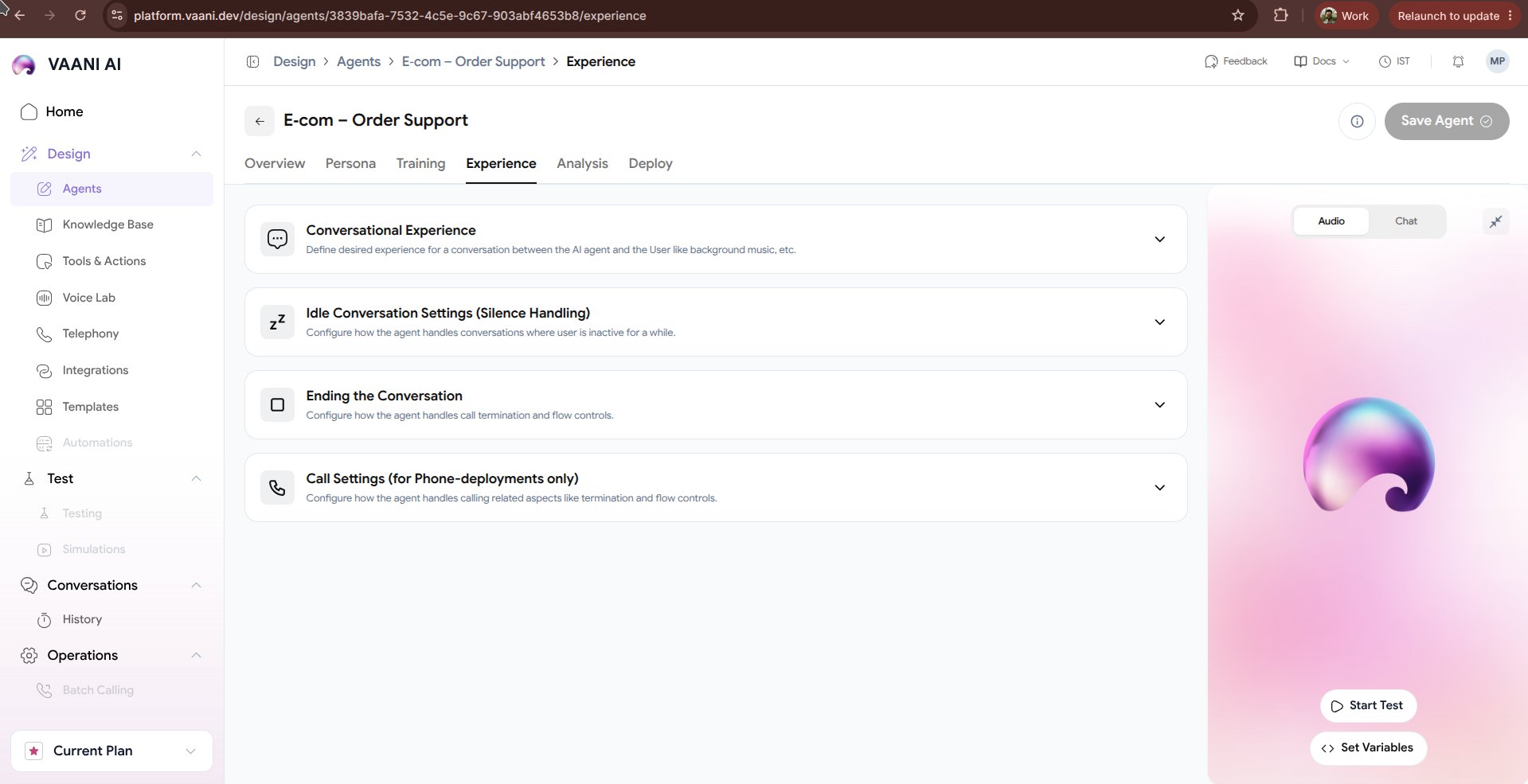
The **Experience** tab controls the auditory and behavioral nuances that make an AI voice agent feel natural, polite, and responsive. Subtle adjustments to background audio, turn-taking pauses, and interruption thresholds prevent robotic awkwardness and call drop-offs.
 ## Video Walkthrough
***
## 1. Ambient Background Sound
Pure digital silence during telephone calls can feel eerie and cause callers to ask, *"Hello, are you still there?"*. Injecting realistic ambient background sound creates the authentic feel of a real office or human specialist.
Subtle keyboard clicks and distant office murmur. Ideal for B2B support and agency receptionists.
Gentle background chatter typical of high-volume customer care desks.
Near-zero background noise with natural analog room tone for high-clarity professional consulting.
> **Volume Control**: Keep ambient audio subtle (`10% - 20%` volume) so it enriches the atmosphere without drowning out speech.
***
## 2. Turn-Taking & Conversational Delays
Human conversations rely on subtle pacing cues. Tuning delay settings helps eliminate overlapping speech:
| Setting | Recommended Value | Impact |
| - | - | - |
| **Speech Delay (ms)** | `200ms – 400ms` | How long the agent pauses after the caller finishes speaking before replying. |
| **Silence Timeout (ms)** | `4000ms – 6000ms` | Time to wait before gently reprompting a silent caller (*"Are you still with me?"*). |
| **Punctuation Pauses** | Enabled | Automatically pauses naturally at commas, periods, and question marks. |
***
## 3. Interruption Handling (Barge-in)
Real callers naturally interrupt when they hear what they need or want to correct a detail.
* **Interruption Sensitivity**:
* `High (0.8 - 1.0)`: Agent cuts off speech immediately at the slightest human syllable.
* `Balanced (0.5 - 0.7)`: Recommended. Cuts off when genuine words are spoken, while ignoring brief background coughs or transient noises.
* `Low (0.2 - 0.4)`: Agent finishes its sentence before yielding the floor.
* **Backchanneling**: Allows the agent to emit subtle conversational affirmations (*"Mhm"*, *"I see"*, *"Understood"*) while the user is speaking long sentences.
***
## 4. Call Duration & Safety Guardrails
* **Maximum Call Duration**: Protect your telephony budget by placing an upper ceiling on single call lengths (e.g. `10 minutes` for intake, `30 minutes` for support).
* **Answering Machine Detection (AMD)**: Automatically detect voicemail beeps and either hang up or deliver a customized prerecorded voicemail message.
***
## Next Steps
Configure automated post-call summaries, sentiment analysis, and structured CRM extraction
Connect phone numbers, embed the web call widget, or trigger calls via API
This documentation is built and hosted on [Mintlify](https://mintlify.com), a developer documentation platform.