> ## Documentation Index
> Fetch the complete documentation index at: https://docs.vaanivoice.ai/llms.txt
> Use this file to discover all available pages before exploring further.
# Agent Training
> Equip your agent with Knowledge Base documents, external API tools, and cross-call memory
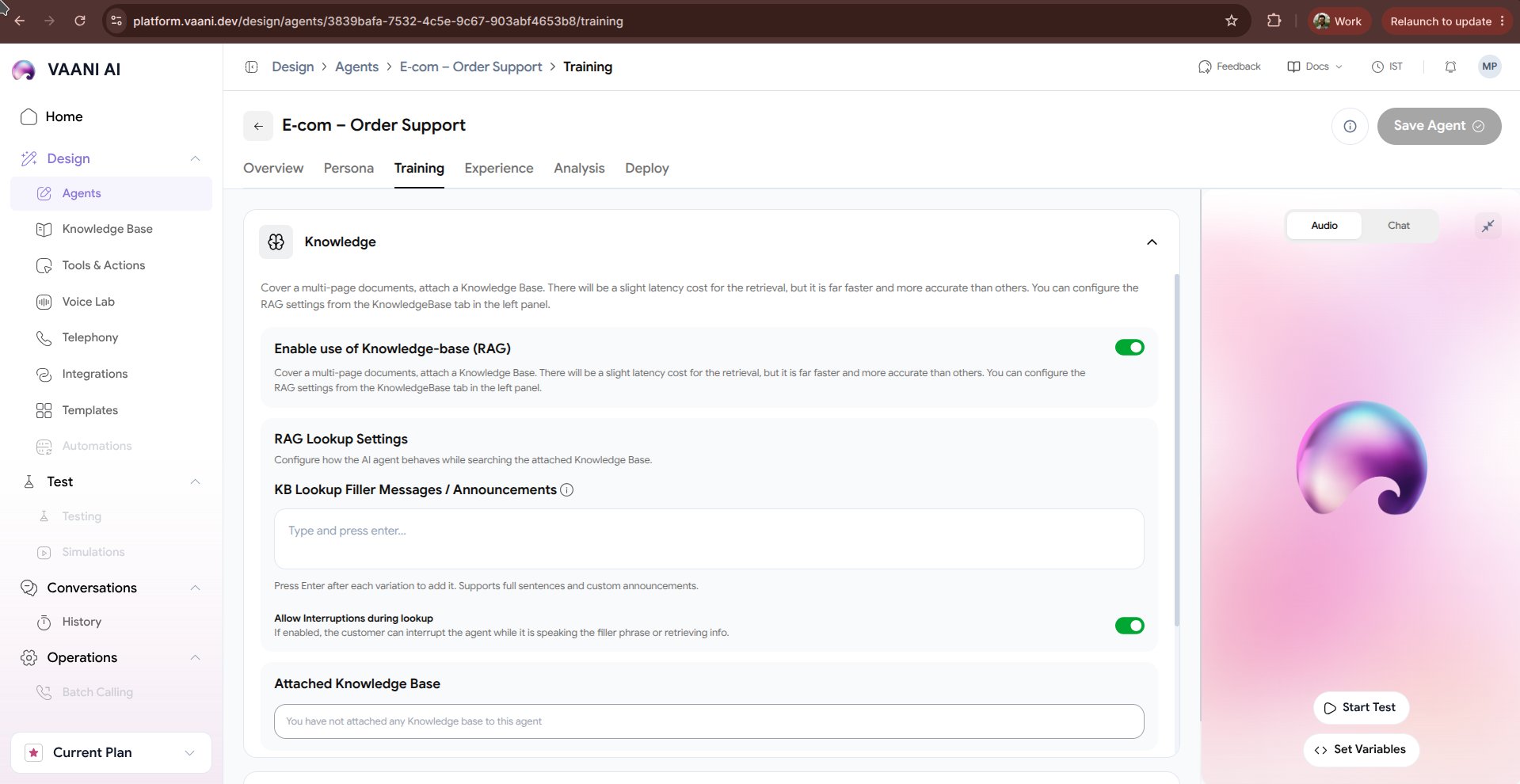
The **Training** tab gives your agent the specific knowledge and real-time capabilities it needs to resolve customer inquiries. Rather than relying solely on general model knowledge, training allows your agent to consult your company documents and take real actions mid-call.
 ## Video Walkthrough
***
## 1. Knowledge Base (Retrieval-Augmented Generation / RAG)
Upload your company's product catalogs, return policies, price charts, and FAQs directly to your agent.
Upload PDF, DOCX, TXT, CSV, or Markdown manuals. Vaani extracts text and indexes vectors automatically.
Enter your documentation or help center URL. Vaani recursively indexes your help pages.
During calls, relevant chunks are retrieved in \~100ms and supplied to the model as context.
### Best Practices for Knowledge Documents
* **Keep files organized**: Use clear section headings (`## Pricing`, `## Refund Policy`).
* **Include exact numbers**: Provide exact timelines, fees, and office hours.
* **Instruct fallback behavior**: In the system prompt, specify: *"If the information is not found in your knowledge base, politely state that you'll have a specialist follow up."*
***
## 2. Tools & Actions (Function Calling)
Empower your agent to perform actions while talking to the caller - such as looking up an order, sending an OTP, checking a calendar, or submitting a lead to your CRM.
### Adding a Tool via cURL
You can define a new tool in seconds by pasting a standard `cURL` request:
```bash theme={null}
curl -X POST https://api.yourstudio.com/v1/appointments/check \
-H "Authorization: Bearer YOUR_API_TOKEN" \
-H "Content-Type: application/json" \
-d '{"date": "2026-10-25", "time": "14:00"}'
```
Vaani parses the endpoint, headers, and request body parameters automatically:
| Parameter | Type | Description |
| - | - | - |
| `date` | `string` | The requested consultation date (YYYY-MM-DD) |
| `time` | `string` | The requested time slot in IST |
### Natural Language Tool Triggering
Provide a concise description of when the tool should be executed:
> *"Trigger this tool whenever the caller asks to book an appointment or check designer availability for a specific day."*
***
## 3. Context & Memory
Ensure callers never have to repeat themselves across different calls or departments:
Remembers caller preferences, previous issues, and unfinished inquiries tied to their phone number. When the customer calls back, the agent greets them personally:
> *"Welcome back, Priya! Are you calling regarding the 3BHK interior estimate we discussed on Tuesday?"*
Shares conversational context across different agents in your organization (e.g. Sales Agent handoff to Support Agent).
***
## Next Steps
Tune ambient background noise, speech delays, and interruption thresholds
Define structured data extraction and automated QA evaluation
This documentation is built and hosted on [Mintlify](https://mintlify.com), a developer documentation platform.