> ## Documentation Index
> Fetch the complete documentation index at: https://docs.vaanivoice.ai/llms.txt
> Use this file to discover all available pages before exploring further.
# Start a Campaign
> Run bulk outbound calls to a list of contacts
## What is a Campaign?
A campaign lets you dispatch outbound calls to multiple contacts using the same agent, without triggering each call individually via the API.
## Steps
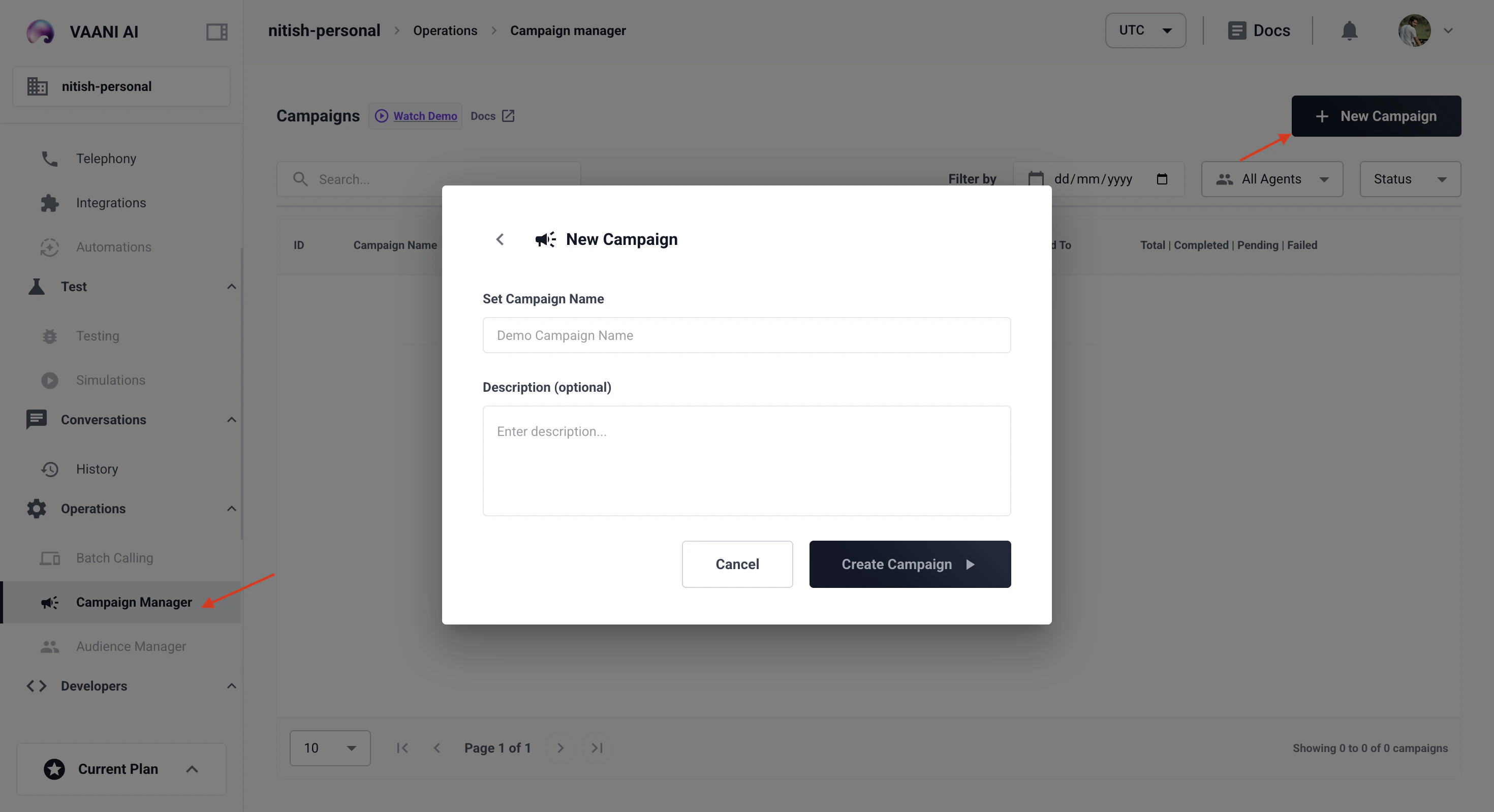
In the dashboard, navigate to **Campaigns → Create Campaign**.
Choose the agent that will handle calls in this campaign.
Upload a CSV with at minimum `contact_number` and `name` columns. Additional columns map to your agent's `metadata` variables.
```csv theme={null}
contact_number,name,property_name
+919876543210,Rahul Sharma,Prateek Laurel
+919876543211,Priya Singh,Prateek Edenia
```
Set concurrency limits and start. Vaani manages the dialing queue automatically.
## Video Walkthrough