

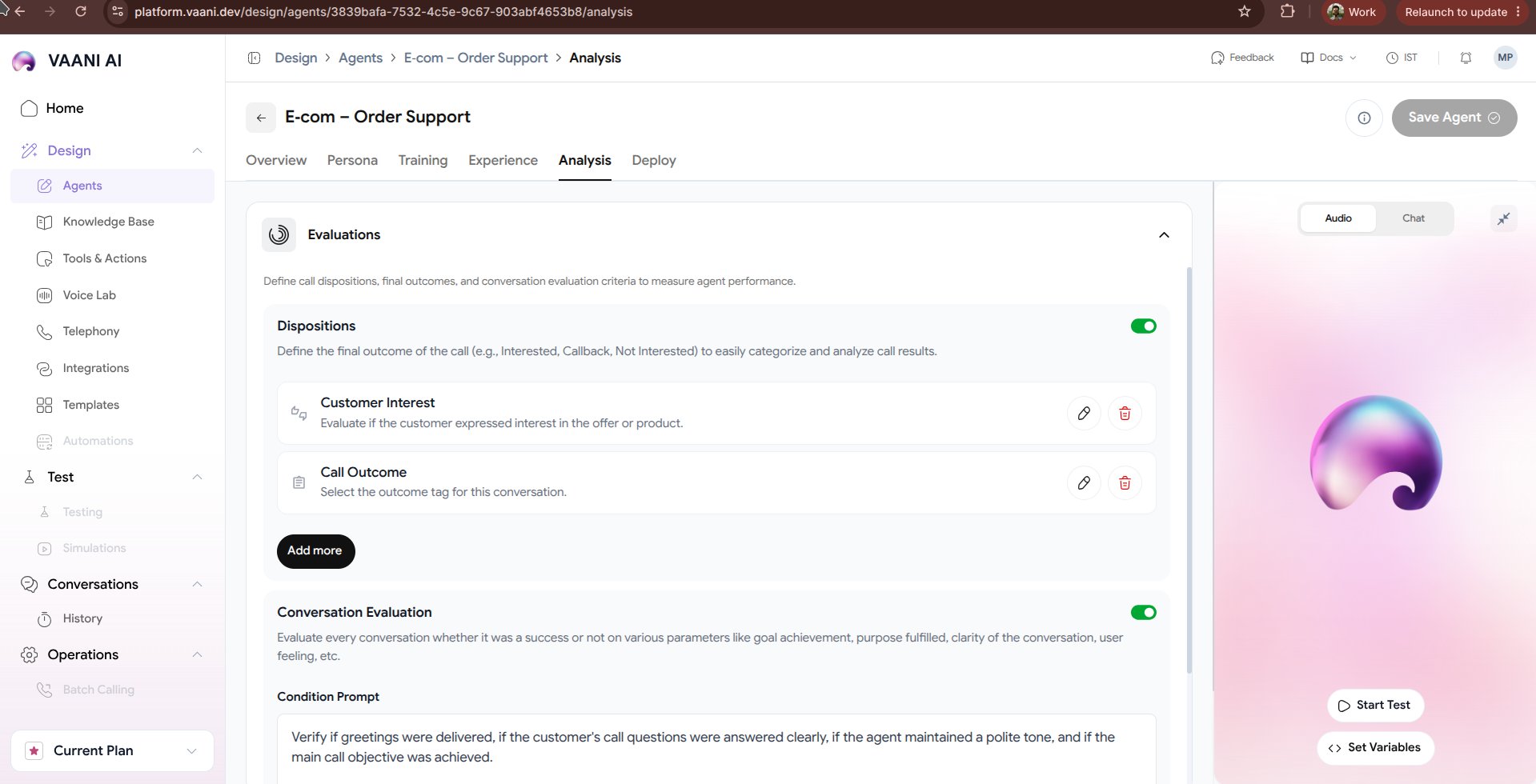
Video Walkthrough
1. Structured Data Extraction
Instead of requiring human agents to manually take notes after every call, Vaani automatically extracts key data points into structured JSON:Defining Extraction Schemas
In the dashboard, specify the exact schema properties your downstream systems require:2. Evaluation Criteria & Quality Assurance (QA)
Define automated pass/fail rules to monitor compliance, agent performance, and conversational outcomes across thousands of calls:Mandatory Disclaimers
Verify whether the agent explicitly informed the caller that the call was recorded (Pass / Fail).
Goal Completion
Measure whether the agent successfully gathered all five qualification answers (Score 0 - 100%).
Sentiment Analysis
Classify caller sentiment into
Positive, Neutral, or Frustrated.Dispute Escalation Flag
Automatically flag calls where the caller asked for a supervisor or expressed anger.
3. Executive Summaries
Vaani automatically synthesizes a concise 2-3 sentence executive recap for every call:“Caller Priya Sharma inquired about a full interior overhaul for a 3BHK in Kothrud with a budget of ₹18L. Agent answered design process questions, confirmed availability, and booked a preliminary consultation for Saturday, Oct 25 at 2:00 PM. High buying intent.”
4. Webhook Event Delivery
Once the analysis completes (typically within 3–5 seconds of call disconnect), Vaani dispatches acall.analyzed webhook payload to your registered endpoint:
Next Steps
Deploy Your Agent
Connect telephone numbers, embed web widgets, or trigger calls via API
Webhook Setup Guide
Learn how to receive real-time call events and transcripts in your backend