

1
Go to Integrations
Navigate to Settings → Integrations → WhatsApp.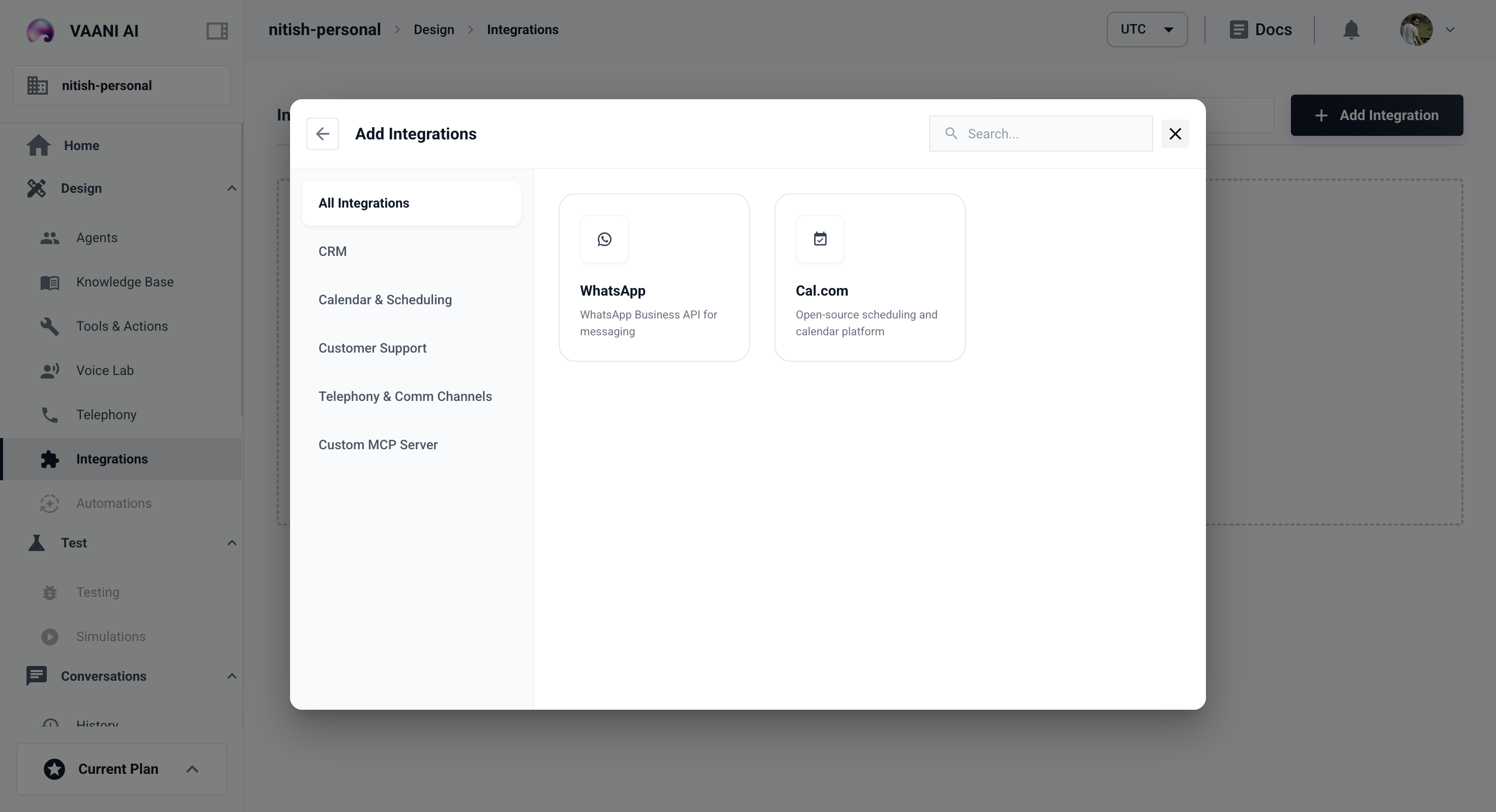
2
Connect Your WhatsApp Business Account
Follow the OAuth flow to link your WhatsApp Business account.
3
Assign to an Agent
Select which agent handles incoming WhatsApp messages.
Cal.com
Integrate with Cal.com to allow your voice agents to book meetings directly during calls.1
Go to Integrations
Navigate to Settings → Integrations → Cal.com.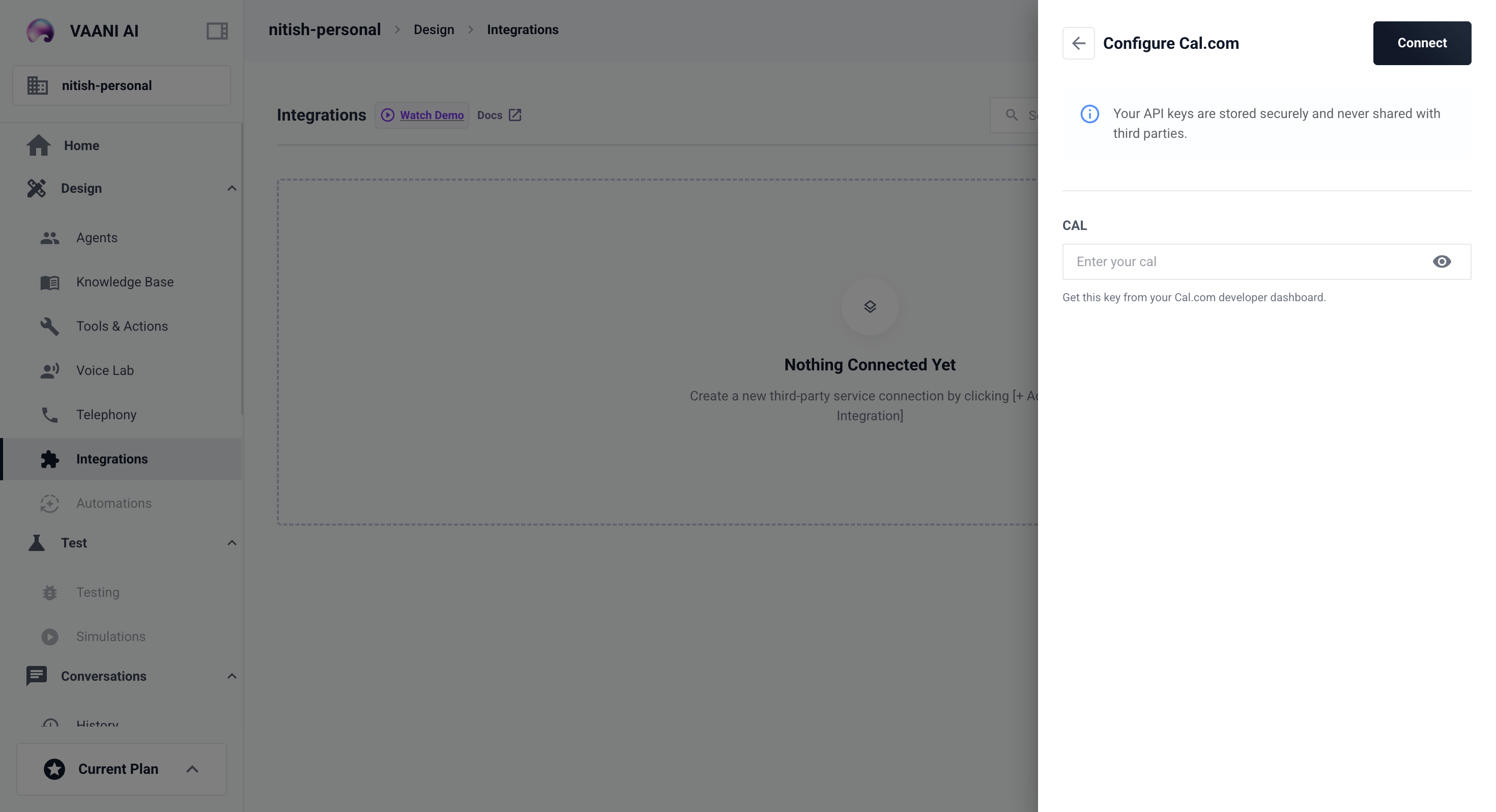
2
Add Your Cal.com API Key
Paste your Cal.com API key to authorize the integration.
3
Configure Booking Behavior
Set which calendar event type to use when the agent books a meeting.