

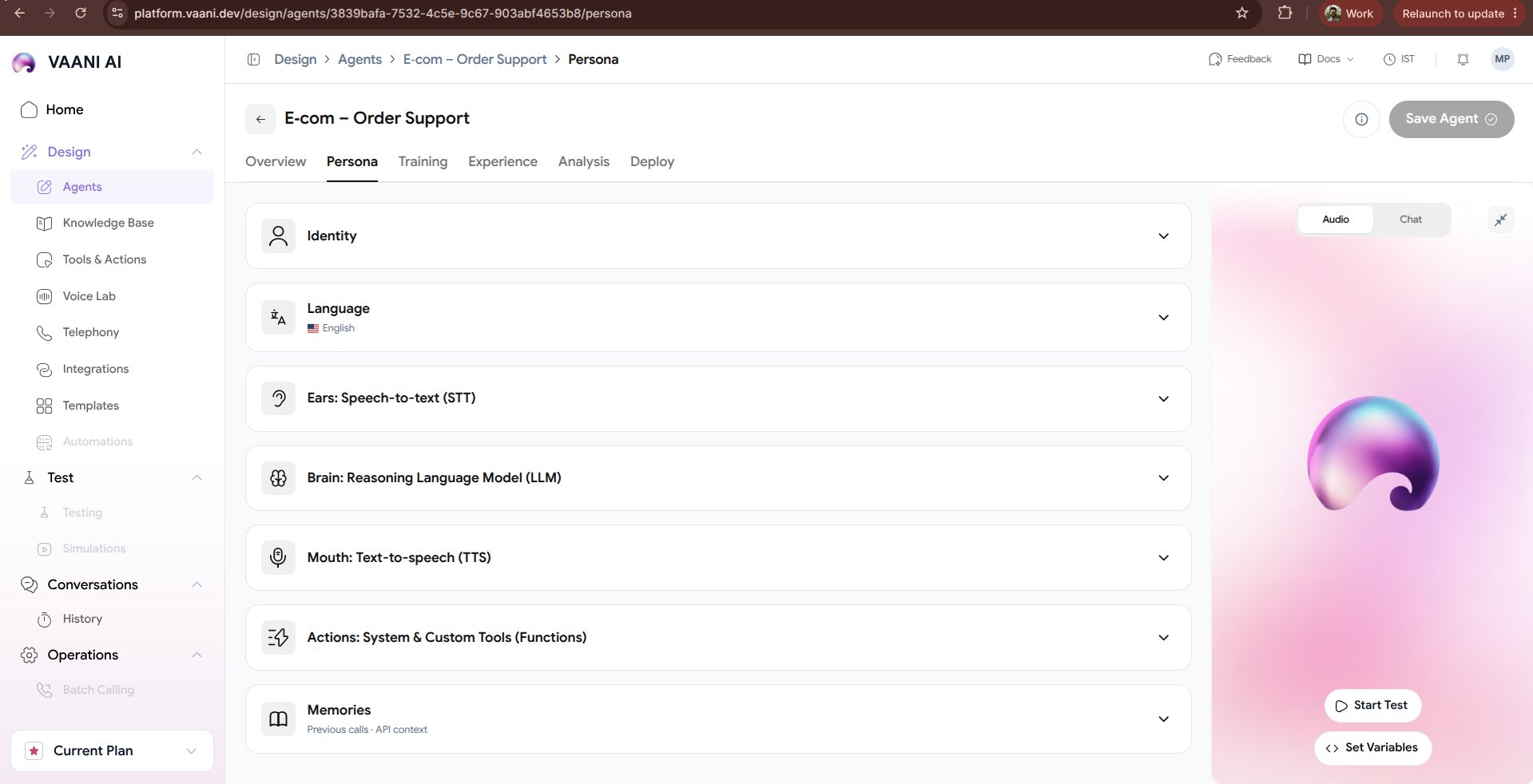
Video Walkthrough
1. Ears (Speech-to-Text / STT)
The STT engine determines how accurately and quickly your agent hears caller speech over cellular or VoIP telephone connections.- Primary Provider
- Fallback Provider
- Keyword Boosting
We recommend Deepgram Nova-2 for real-time conversational telephony:
- Latency: Sub-200ms streaming transcription.
- Acoustic Robustness: Handles background traffic, static, and speakerphone echoes gracefully.
- Multilingual Support: Supports Indian English, Hindi, and regional dialects.
2. Brain (Large Language Model)
Configure the intelligence engine driving conversational decisions:3. Mouth (Text-to-Speech / TTS)
Select the vocal personality that reflects your brand:- Sarvam Bulbul:v3: Exceptional naturalness for Indian accents, Hindi, Marathi, Tamil, and Hinglish.
- ElevenLabs Multilingual v2: High-definition expressive emotional voices.
- Deepgram Aura: Ultra-low time-to-first-byte (TTFB) for lightning-fast turn-taking.
Pronunciation Dictionaries
Synthetic voices occasionally mispronounce specialized words, brand names, or abbreviations. You can provide explicit phonetic respellings:4. Voice Lab Integration
Want to test custom voice clones or audition different voice actors before assigning them to your agent? Head over to the Voice Lab to clone your own voice or audition pre-licensed voice actors.Next Steps
Training & Knowledge Base
Ground your persona with company documents, FAQs, and API tools
Experience Tuning
Configure ambient sound, interruption sensitivity, and speech delays