

When to Build from Scratch
- Multi-Branch Dialog Flows: Workflows requiring strict step-by-step state machines (e.g., identity verification before payment processing).
- Compliance & Legal Disclaimers: Exact mandatory phrases that must be spoken verbatim before continuing the call.
- Complex API Orchestration: Calls where the agent triggers multiple custom tools or database operations mid-conversation.
- Custom Dynamic Variables: Advanced prompts requiring several dynamic caller attributes injected at runtime.
Step-by-Step Walkthrough
1
Initialize a Blank Canvas
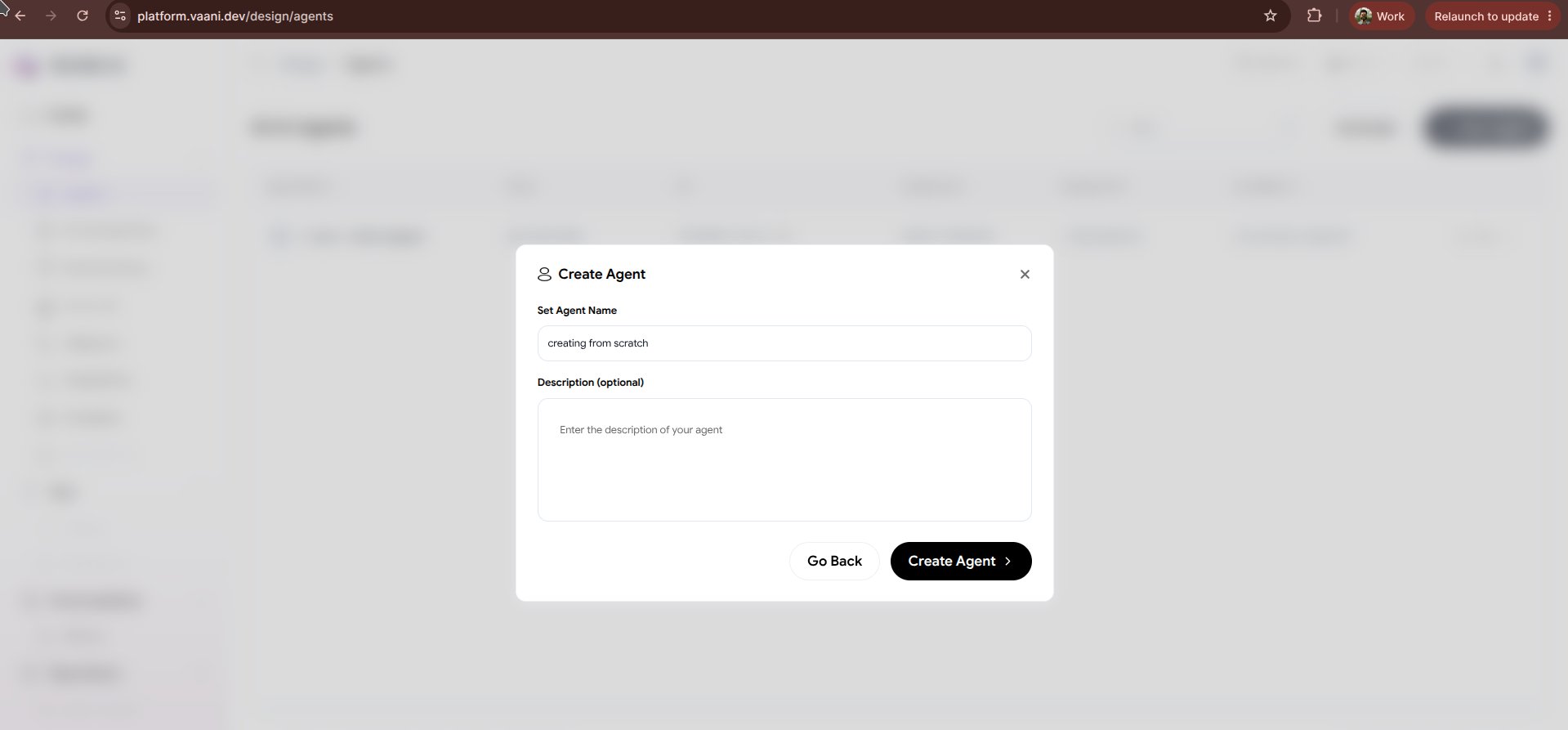
Click + New Agent in the Vaani dashboard and select Build from Scratch.
2
Name Your Agent
Assign an internal slug or identifier (e.g.
loan-kyc-agent-v2). This name is only visible to your internal team.3
Structure Your System Prompt
In the prompt editor, compose your agent’s instructions using structured markdown sections:
4
Define Metadata Variables
Specify dynamic runtime placeholders in curly braces These variables are populated automatically when you initiate a call via the API or campaign dialer.
{}:5
Configure the Language Pipeline
Manually select providers for each stage of the voice loop:
- Ears (STT): Deepgram Nova-2 with customized vocabulary boosting.
- Brain (LLM): Model choice (e.g., Claude 3.5 Sonnet or GPT-4o) and temperature settings (
0.2for strict compliance,0.7for open conversation). - Mouth (TTS): Voice engine, accent, speaking speed, and pitch.
6
Configure Opening Greeting
Draft the greeting message and choose whether the agent speaks first or listens for the caller’s initial greeting.
7
Save and Retrieve Agent ID
Click Save Agent. Your agent is stored, and a UUID
agent_id is created for production use.Best Practices for Scratch Building
Keep Turns Concise
Phone conversations feel natural when sentences are short (1-2 sentences per turn). Avoid long monologue blocks.
Define Fallback Behavior
Explicitly instruct the agent on what to do when background noise is high or the caller’s answer is ambiguous.
Use Number Formats
Instruct the model to pronounce numbers phonetically when reading back OTPs, card numbers, or dates.
Test Corner Cases
Use the in-browser simulator to test interruptions, non-sequiturs, and rapid topic switching.
Next Steps
Agent Overview
Review your newly configured agent’s dashboard
Add Tools & Knowledge Base
Equip your agent with custom API tools and training documents