

What is a Campaign?
A campaign lets you dispatch outbound calls to multiple contacts using the same agent, without triggering each call individually via the API.Steps
1
Go to Campaigns
In the dashboard, navigate to Campaigns → Create Campaign.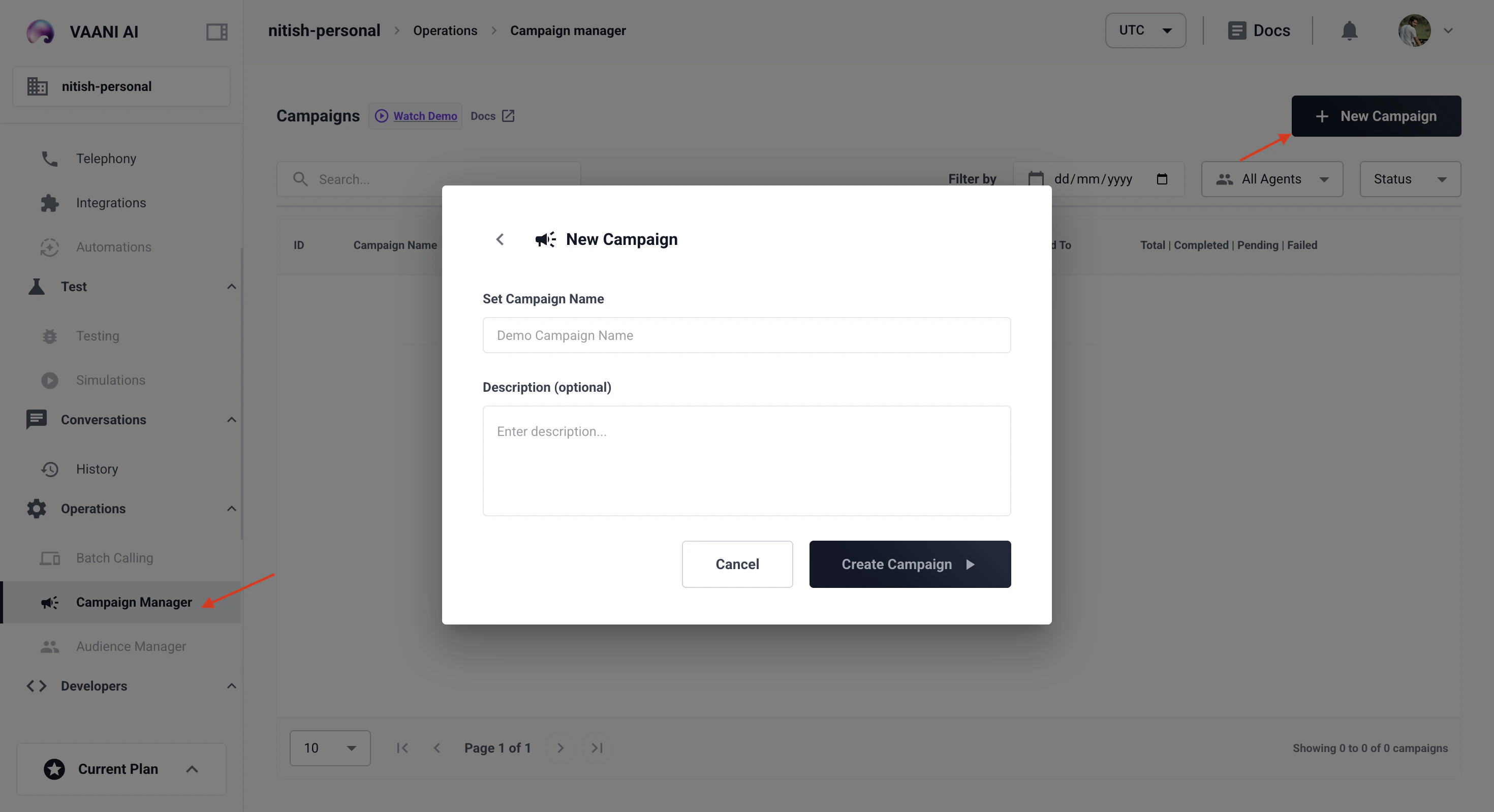
2
Select an Agent
Choose the agent that will handle calls in this campaign.
3
Upload Contact List
Upload a CSV with at minimum
contact_number and name columns. Additional columns map to your agent’s metadata variables.4
Start the Campaign
Set concurrency limits and start. Vaani manages the dialing queue automatically.